
BrightWheel is a familiar name in childcare management software, but it is not the only option for every center, every budget, or every classroom need. This guide compares the best BrightWheel alternatives for billing, parent communication, enrollment, curriculum support, and daily center operations, so directors can choose with more confidence.
BrightWheel alternatives usually fall into two groups. The first group includes childcare management platforms built for billing, attendance, enrollment, parent communication, staff records, forms, and daily operations. Procare, Lillio, Playground, Famly, Daily Connect, LineLeader, and Kangarootime sit mostly in that category.
The second group is curriculum-first. These platforms support lesson planning, developmental alignment, teacher confidence, classroom implementation, bilingual curriculum, and professional learning. Learning Beyond Paper belongs here. It is not trying to replace every billing or check-in feature. It supports the teaching side of the childcare day, which is exactly where many directors feel the biggest strain.
Here’s the thing: directors may start with a search for BrightWheel alternatives because the BrightWheel logo is familiar. But the better question is more practical. Are you replacing admin software, curriculum, parent communication, payment tools, or all of it?
To make this comparison more useful, each option was reviewed by use case, pricing clarity, parent communication, billing and payment tools, curriculum support, review signals, integration fit, and suitability for small centers versus multi-site programs. Review counts and marketplace ratings change often, so any third-party rating data should be treated as a snapshot at the time of review, not a permanent score.
| Best-fit category | Recommended option | Why it fits |
| Best overall admin software alternative | Procare | Strong fit for billing, attendance, family records, reporting, and mature center operations |
| Best for curriculum and teacher support | Learning Beyond Paper | Cloud-based curriculum for Infant through Pre-K, with bilingual content, embedded professional learning, and ELBY, the virtual instructional coach |
| Best for parent communication | Lillio | Strong daily reports, family messaging, photos, and classroom documentation |
| Best modern all-in-one platform | Playground | Clean software experience for billing, registration, paperwork, communication, payroll, and center tools |
| Best for smaller providers | Daily Connect | Clearer entry pricing and simpler parent update tools for smaller programs |
| Best for enrollment growth | LineLeader | CRM, lead capture, registration, family engagement, and growth workflows |
| Best for multi-location operations | Kangarootime | Billing, room management, staff tools, reporting, and family communication |
| Best for parent-facing experience | Famly | Family communication, invoicing, payments, registration, care updates, and staff tools |
Review counts, ratings, and pricing labels can change often, so use this table as a source-checking guide rather than a fixed ranking. Before choosing any BrightWheel alternative, directors should review current vendor pages, third-party software marketplaces, and recent user feedback.
| Platform | Public source to check | What to verify before booking a demo |
| BrightWheel | Check BrightWheel’s official pricing page. | Confirm pricing, enrollment-based details, billing tools, parent communication, and daily report features. |
| Procare | Check the Procare profile. | Review billing depth, attendance tools, reporting, setup support, and current pricing model. |
| Learning Beyond Paper | Review Learning Beyond Paper’s curriculum page and ELBY, the virtual instructional coach. | Check curriculum coverage, teacher support, bilingual content, professional learning, and standards alignment. |
| Lillio | Check the Lillio profile. | Compare parent communication, daily reports, billing, documentation, and curriculum-related features. |
| Playground | Check the Playground profile. | Review user experience, billing, registration, paperwork, payroll, reporting, and support. |
| Famly | Check the Famly profile. | Confirm parent app quality, invoicing, payments, market fit, support, and compliance needs. |
| Daily Connect | Check the Daily Connect profile. | Compare pricing clarity, daily reports, attendance, parent updates, and limits for larger centers. |
| LineLeader | Check the LineLeader by ChildcareCRM profile. | Review CRM tools, lead tracking, tour follow-up, registration, billing, and enrollment workflows. |
| Kangarootime | Check the Kangarootime profile. | Compare billing, room management, staff tools, family communication, integrations, and operational reporting. |
BrightWheel is used for childcare operations. For many centers, that means attendance, parent communication, billing, tuition payments, daily reports, photos, staff updates, and classroom management. It can help directors move away from paper notes, manual payment reminders, and disconnected family communication.
Searches such as how much does BrightWheel cost, BrightWheel pricing, BrightWheel app cost, how much does BrightWheel cost per month, and how much is BrightWheel per month show a clear buyer concern: directors want to understand the cost before they commit to a demo.
BrightWheel’s official pricing asks for program details such as enrollment capacity and number of locations before showing customized pricing information. BrightWheel also states that its pricing is based on enrollment capacity, with access to platform features included. That does not make BrightWheel a poor choice. It simply means directors should compare the full cost, plan terms, payment processing, and support details before signing.
For any BrightWheel alternatives, ask what is included, what requires a higher plan, whether payment processing fees apply, how parent accounts work, whether staff seats are limited, and whether the monthly cost changes as enrollment grows.
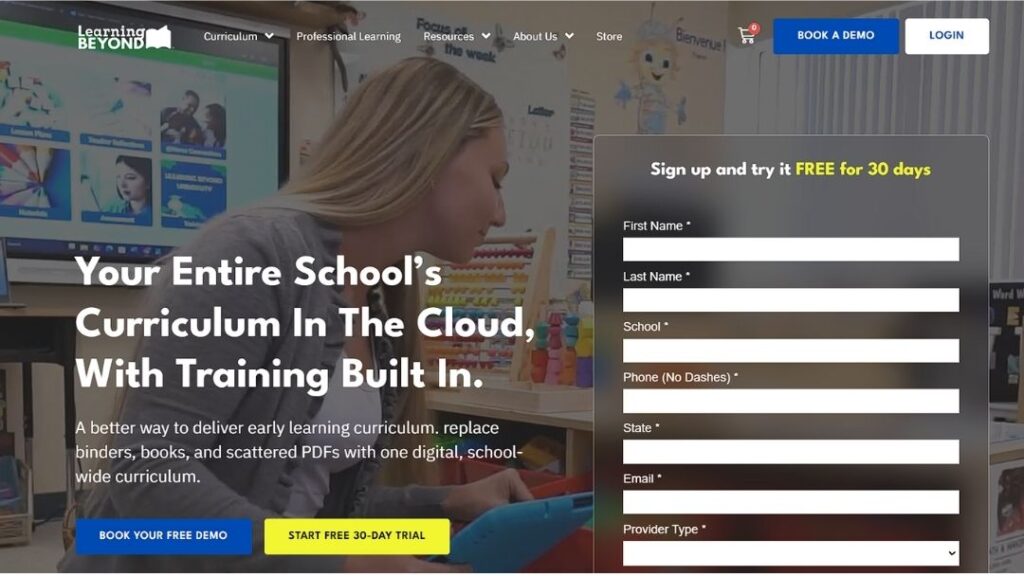
Learning Beyond Paper is not a one-to-one BrightWheel replacement for billing, attendance, or check-in. That is not a weakness. It is the reason it belongs in this comparison.
Many childcare centers already have a way to bill families and track attendance. What they still lack is a clear, consistent, teacher-friendly curriculum that works across classrooms. Directors may have paper binders, PDFs, old lesson folders, and teachers who are expected to plan too much on their own. Over time, that creates stress for staff and uneven classroom quality.
Learning Beyond Paper solves a different problem. Its cloud-based early childhood curriculum is built for Infant through Pre-K classrooms, with 52 weeks of standards-aligned, play-based lessons, bilingual English and Spanish content, embedded professional development, and ELBY, the virtual instructional coach. It helps teachers know what to teach, how to adapt lessons, and how to feel more prepared during the real classroom day.
That matters because curriculum quality is not a small add-on in early childhood. NAEYC says developmentally appropriate practice requires educators to consider “commonality,” “individuality,” and “the context in which development and learning occur.” In plain terms, a preschool curriculum should support real children, real teachers, and real classroom conditions, not just fill a planning folder.
Learning Beyond Paper is strongest for programs that want to move from paper curriculum to a digital, school-wide system. It is also a smart fit for centers that use Procare or another admin platform but need a stronger curriculum layer. Directors can use management software to run the business and Learning Beyond Paper to support instruction.
Best for: Childcare centers, preschools, Head Start programs, and family childcare providers that need digital curriculum and teacher support.
Consider it when: Teachers need ready-to-use lesson plans, real classroom support, professional learning, and more consistency across age groups.
Best fit: Programs that already have billing or attendance tools but need stronger lesson planning, classroom implementation, and curriculum alignment.
| Pros | Cons |
| Strong curriculum focus. | Not a billing platform. |
| Supports Infant–Pre-K. | Not for check-in only. |
| Includes bilingual content. | Admin tools are separate. |
| Built-in teacher support. | Best with clear curriculum goals. |
If your center already has a way to manage billing and attendance, but teachers still need stronger lesson support, review Learning Beyond Paper’s curriculum and compare it against the way your classrooms plan, teach, and document learning today.
Need curriculum support, not another admin app? If your center already has a way to manage billing and attendance, but teachers still need stronger lesson planning, classroom guidance, and standards-aligned support, Learning Beyond Paper may be the better fit. Review Learning Beyond Paper’s preschool curriculum and compare it with how your teachers plan, teach, and document learning today.
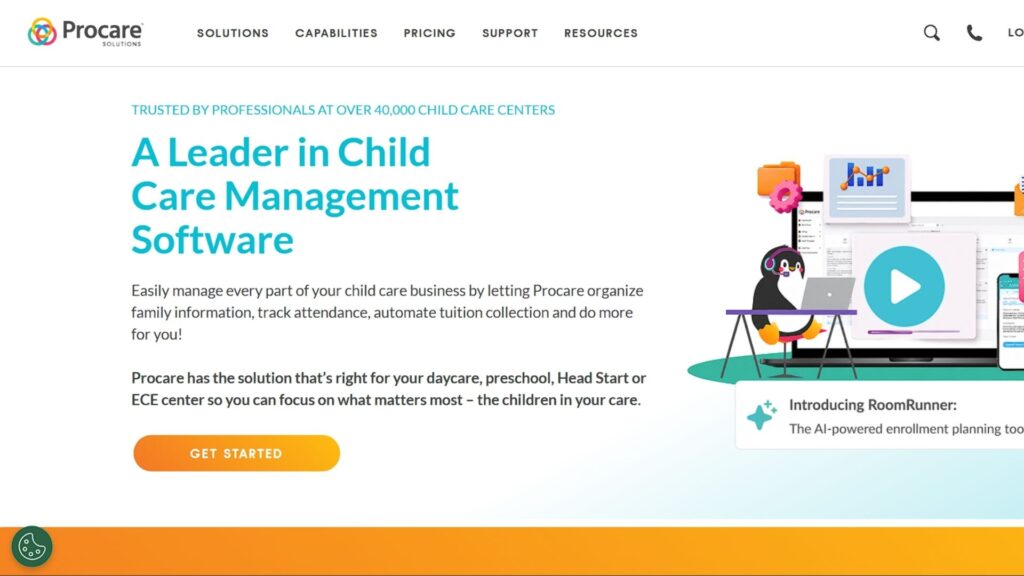
Procare is one of the strongest BrightWheel alternatives for childcare centers that need a mature management system. It focuses on core administrative work such as family records, attendance, tuition collection, reporting, staff tools, and center operations.
For directors comparing Procare vs BrightWheel, the decision often comes down to operational depth. BrightWheel may feel more familiar to some teams, while Procare may appeal to centers that want more structure around billing, records, reporting, and day-to-day administration.
Procare can also work beside a curriculum-first platform. In that setup, Procare supports childcare operations, while Learning Beyond Paper supports lesson planning, curriculum alignment, and teacher support.
Best for: Larger childcare centers, multi-classroom programs, Head Start settings, and directors who need strong admin tools.
Consider it when: Your main pain point is billing, attendance, records, reporting, and operational control.
Best fit: Directors comparing BrightWheel vs Procare for center management rather than curriculum depth.
| Pros | Cons |
| Strong billing tools. | Pricing may need a quote. |
| Mature admin system. | Setup may take time. |
| Good reporting support. | Can feel heavy for small teams. |
| Useful for larger centers. | Training may be needed. |
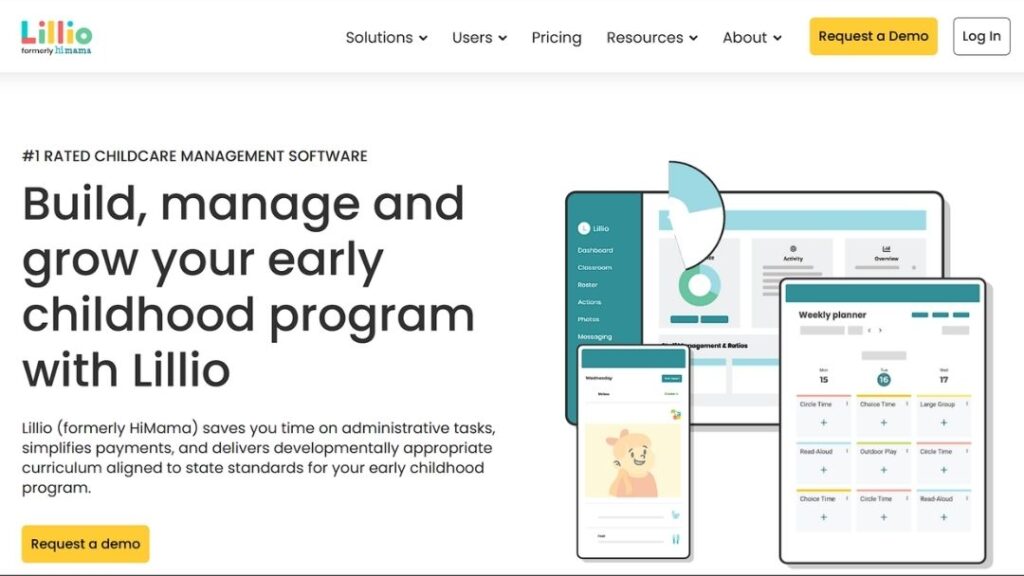
Lillio, formerly HiMama, is a familiar BrightWheel competitor for parent communication and classroom documentation. It focuses on messages, photos, daily reports, classroom updates, payments, and tools for directors, teachers, and families.
Lillio may be a strong choice when parent experience plays a major role in retention. Families want to know how their child’s day went, and teachers need a simple way to record meals, naps, activities, notes, and updates without losing too much classroom time.
Compared with Learning Beyond Paper, Lillio sits closer to childcare management and communication software. Learning Beyond Paper goes deeper into curriculum, lesson planning, standards alignment, and teacher support.
Best for: Centers that care deeply about parent updates, daily reports, and family communication.
Consider it when: Parent communication and daily documentation are more urgent than curriculum change.
Best fit: Programs where family trust and classroom visibility matter most.
| Pros | Cons |
| Strong family app. | Curriculum depth may vary. |
| Easy daily reports. | Pricing needs review. |
| Good photo updates. | Add-ons may apply. |
| Helpful documentation. | Workflow should be tested. |
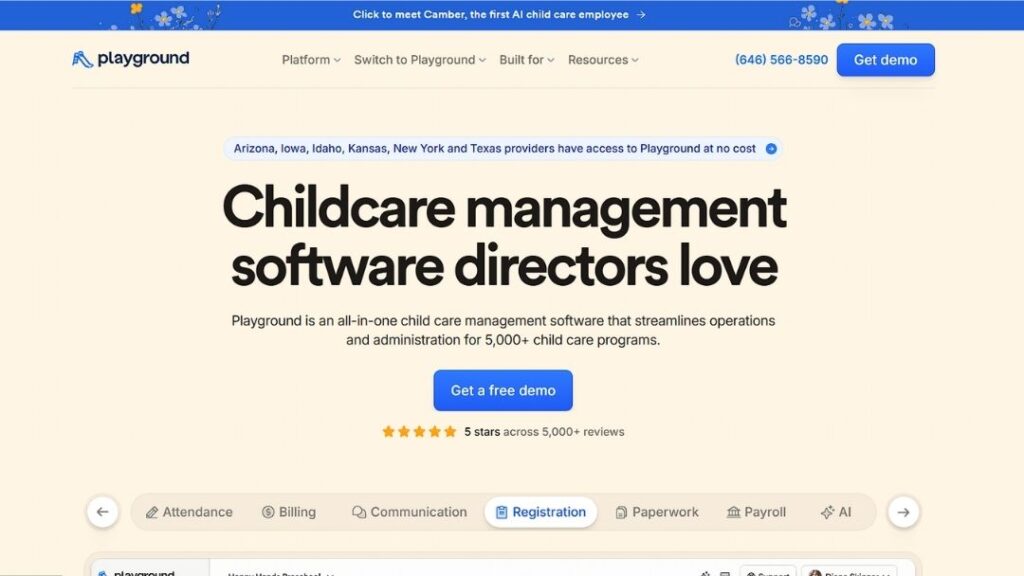
Playground is a strong option for directors who want a modern childcare management platform without the heavier feel that some older systems can have. It covers attendance, billing, communication, registration, payroll, digital paperwork, and parent/staff app workflows.
Its appeal is the software experience. A platform can have a long feature list, but if teachers avoid it during a busy day, the center still has a problem. Playground focuses on cleaner setup, fewer disconnected tools, and easier use across admins, teachers, and families.
For centers comparing BrightWheel alternatives, Playground may fit when the team wants one modern system for operations and communication. It may not be the first choice if curriculum depth is the main concern.
Best for: Centers that want modern billing, registration, attendance, communication, payroll, and paperwork tools.
Consider it when: Your team wants a fresh all-in-one system with less friction.
Best fit: Programs that care about ease of use and day-to-day software adoption.
| Pros | Cons |
| Clean user experience. | Reporting needs comparison. |
| Broad admin features. | Pricing should be checked. |
| Useful parent/staff apps. | Curriculum may be limited. |
| Good for digital forms. | Integration needs vary. |
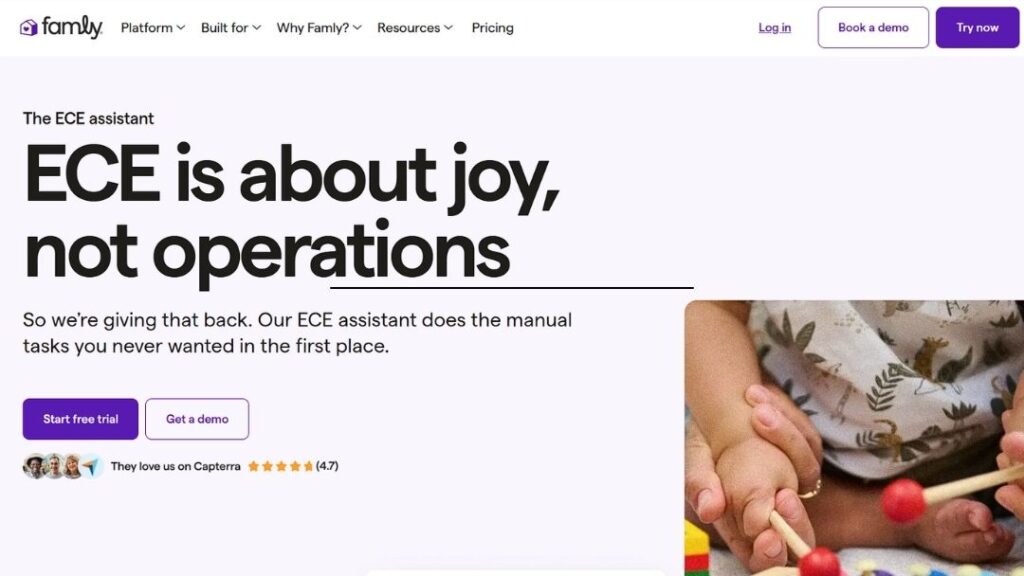
Famly is often included in BrightWheel alternatives because it supports parent communication, care updates, invoicing, payment processing, registration, messaging, and staff tools. It is especially relevant for centers that want a polished parent-facing experience.
Famly may suit providers that want stronger communication between families and teachers. It can also help teams keep updates, invoices, and care information in one place.
The main point to check is fit by market and program size. U.S.-based childcare centers should confirm support, pricing, compliance needs, integrations, and billing workflows before choosing it over BrightWheel, Procare, or Playground.
Best for: Centers that value parent communication, invoicing, care updates, registration, and a smooth family app.
Consider it when: Parent experience is central to your childcare brand.
Best fit: Programs that want polished family communication with daily admin support.
| Pros | Cons |
| Strong parent experience. | Market fit may vary. |
| Modern interface. | Pricing can differ. |
| Helpful messaging tools. | Compliance needs review. |
| Supports invoicing. | Feature access may vary. |
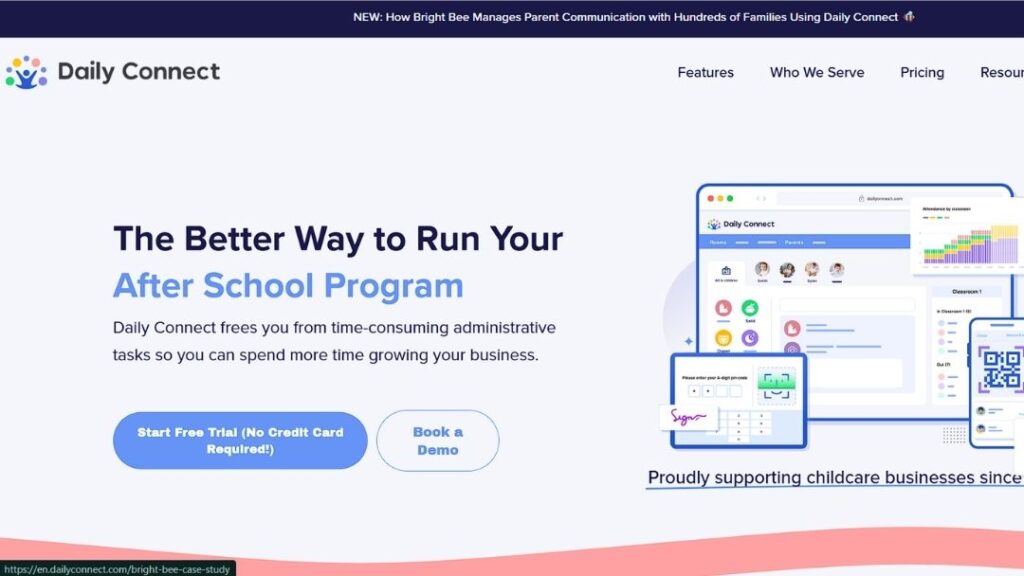
Daily Connect is a practical BrightWheel alternative for smaller providers that want parent updates, daily reports, photos, attendance, and simple communication without a large-platform feel. It is especially useful for family childcare homes, nannies, and small programs.
Its pricing visibility is one reason it stands out. Many directors search for how much BrightWheel costs per month because they want to understand affordability before booking a demo. Daily Connect gives smaller providers a clearer starting point.
The trade-off is depth. Daily Connect may feel too light for larger centers with complex staff schedules, subsidy billing, CRM needs, payroll, multi-location reporting, or enterprise workflows.
Best for: Nannies, family childcare homes, and small programs that want simple parent communication and clearer pricing.
Consider it when: You want a lower-cost BrightWheel alternative without enterprise complexity.
Best fit: Small providers that want fewer moving parts.
| Pros | Cons |
| Clear entry pricing. | Limited for large centers. |
| Simple parent updates. | Less admin depth. |
| Easy daily reports. | Fewer enterprise tools. |
| Good for small programs. | Scaling may be harder. |
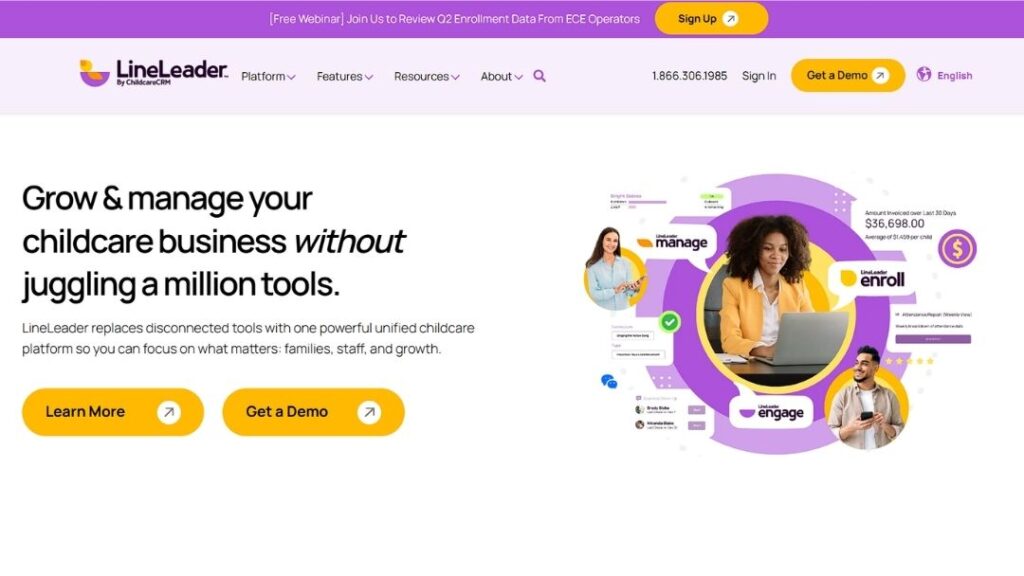
LineLeader is a strong option when the biggest problem is not daily classroom updates but enrollment growth. Its platform is built around CRM, lead capture, registration, family engagement, marketing follow-up, billing, and operational visibility.
That makes it different from some BrightWheel alternatives. A center can have a decent parent app and still lose revenue if inquiries, tours, and waitlist families are not managed well. LineLeader is built for that side of the business.
It may be more than a small home provider needs. But for larger centers, franchise groups, or multi-site operators, the CRM layer can be valuable.
Best for: Growing childcare businesses, multi-site operators, and centers with enrollment teams.
Consider it when: Enrollment growth and parent journey tracking are major priorities.
Best fit: Operators that want to manage marketing, enrollment, and family engagement more closely.
| Pros | Cons |
| Strong CRM tools. | Can feel complex. |
| Helps tour follow-up. | Not curriculum-first. |
| Good for enrollment teams. | Small centers may not need it. |
| Useful lead tracking. | Setup may require training. |
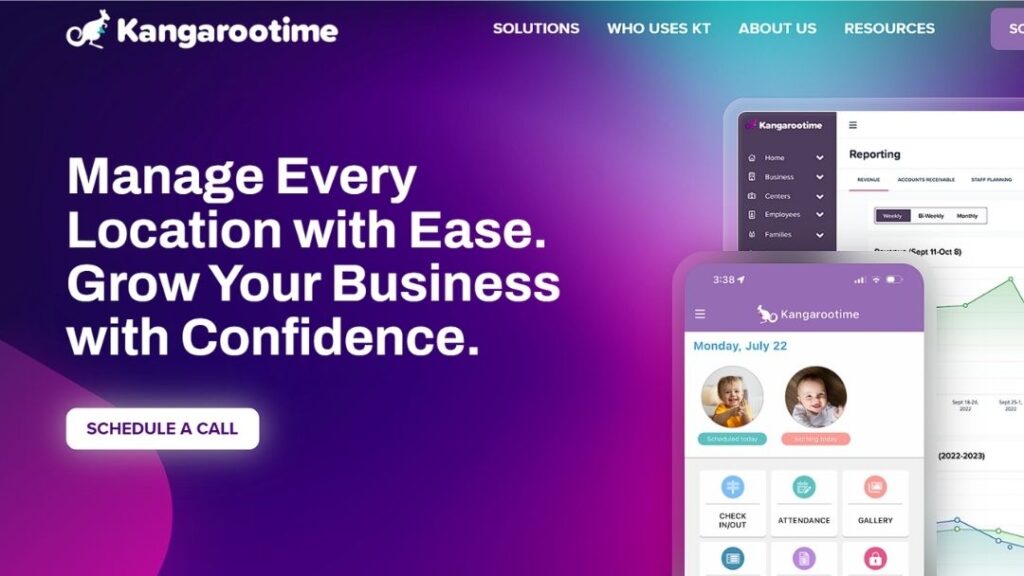
Kangarootime is an all-in-one childcare management platform for invoicing, classroom management, parent communication, staff engagement, and center operations. It belongs in this list because it focuses on the daily operational stress directors know well.
It may fit centers that need better room management, staff tools, family communication, reporting, billing, and payment workflows in one place. It is less of a lightweight parent-update app and more of an operations platform.
The watch-out is size. A large center may value that level of control. A smaller program may not need it. As with Procare and LineLeader, directors should ask for a demo based on their real classrooms, not a polished generic walkthrough.
Best for: Centers that need room management, staff tools, billing, reporting, and parent communication.
Consider it when: Your daily pain is operational control across rooms, teachers, families, and payments.
Best fit: Larger centers and organizations with layered admin needs.
| Pros | Cons |
| Unified operations focus. | May be too much for small providers. |
| Good billing support. | Pricing needs review. |
| Strong staff tools. | Setup may take time. |
| Useful room management. | Not curriculum-first. |
Searches around BrightWheel pricing, BrightWheel cost, BrightWheel monthly cost, BrightWheel price, Procare pricing, Procare cost, and how much does BrightWheel cost per month all point to the same concern. Directors want to know the real number.
BrightWheel uses customized pricing based on program details. Procare also commonly routes buyers through a quote process. Lillio, Playground, LineLeader, Famly, and Kangarootime may require a demo or quote depending on center size and plan needs. Daily Connect is more transparent for smaller users.
Learning Beyond Paper’s core curriculum is positioned differently. For smaller programs, it offers a flat school-wide subscription model, which can make budgeting clearer. Larger or enterprise customers may need pricing based on scale and specific requirements.
That means the right comparison is not just “BrightWheel price vs Procare price.” It is total cost versus actual need.
| Pricing question | What directors should check |
| How much does BrightWheel cost? | Ask for a quote based on enrollment, locations, features, and payment needs |
| How much is BrightWheel per month? | Confirm whether the monthly cost changes by child count, classroom, location, or plan tier |
| BrightWheel free vs premium | Check which features are free, which require Premium, and what staff/families can access |
| Procare pricing | Ask about software fees, payment processing, onboarding, support, training, and modules |
| Child care billing software cost | Compare late fees, subsidy handling, recurring billing, tax statements, payment processing, and parent options |
| Curriculum cost | Ask whether lesson plans, bilingual content, professional learning, and teacher support are included or separate |
The best childcare management software is not always the platform with the longest feature list. It is the one your director, teachers, and families can use without daily friction.
Start with the real problem. If billing is messy, compare child care billing software first. If families complain about poor communication, compare parent apps, daily reports, and messaging tools. If teachers spend too much time on lesson prep, compare curriculum support. If enrollment is weak, look at CRM, tours, waitlists, and follow-up tools. If you run several sites, compare permissions, reporting, staff access, and multi-location visibility.
Head Start guidance is useful even outside Head Start programs because the Early Learning Outcomes Framework covers five central domains of early learning: approaches to learning, social and emotional development, language and literacy, cognition, and perceptual, motor, and physical development. That is why curriculum should not be treated as a tiny add-on. For early learning programs, curriculum affects the classroom day, teacher confidence, and child outcomes.
If your center needs a full administrative replacement, Procare, Playground, LineLeader, Lillio, Famly, Daily Connect, or Kangarootime may be the right BrightWheel alternatives to demo. If your center already has admin software but needs stronger early learning content, Learning Beyond Paper’s preschool curriculum may be the better place to start. Programs serving younger children should also compare infant curriculum, young toddler curriculum, older toddler curriculum, and Pre-K curriculum support before choosing a platform.
BrightWheel is used for childcare management tasks such as attendance, billing, tuition payments, parent communication, staff updates, daily reports, photos, and classroom records. It is mainly an operations and communication platform, although some centers may also use it alongside curriculum tools.
BrightWheel pricing is customized based on program details such as enrollment capacity, number of locations, and feature needs. Directors should ask for a written quote and confirm whether payment processing, onboarding, support, or premium features affect the total cost.
Procare may be better for centers that want a mature childcare management system with deep billing, attendance, records, and reporting tools. BrightWheel may feel simpler or more familiar for parent communication and everyday center updates. The better choice depends on center size, budget, staff comfort, and operational needs.
Learning Beyond Paper is the strongest BrightWheel alternative for curriculum because it focuses on cloud-based lesson planning, Infant through Pre-K support, bilingual content, professional learning, standards alignment, and ELBY, the virtual instructional coach. It is best for centers that need stronger classroom support rather than another billing app.
No. Learning Beyond Paper does not replace BrightWheel’s full billing, attendance, or check-in features. It works best as a curriculum and teacher-support platform. Some centers may use Learning Beyond Paper alongside childcare management software such as Procare, BrightWheel, or another admin platform.
Daily Connect may be a practical option for smaller providers that want simple parent communication, daily reports, photos, and clearer entry pricing. Small centers should still compare feature limits, parent access, payment tools, and long-term cost before choosing.
Procare, LineLeader, Playground, and Kangarootime are worth reviewing for multi-site operations. Each supports different needs, from billing and records to CRM, enrollment, reporting, staff tools, and family communication.
The best BrightWheel alternative depends on what your center needs to fix first. Choose Procare if you need mature childcare operations software for billing, attendance, family records, and reporting. Choose Playground if your team wants a modern all-in-one platform with a clean software experience.
Choose Lillio or Famly if parent communication and daily reports matter most. Choose Daily Connect if you are a smaller provider that wants clearer pricing and simpler tools. Choose LineLeader if enrollment growth, lead capture, and CRM are high priorities. Choose Kangarootime if your center needs stronger control across rooms, staff, billing, and family communication.
Choose Learning Beyond Paper if the deeper issue is curriculum. It is the strongest fit for programs that want cloud-based lesson planning, bilingual content, embedded professional learning, standards alignment, and ELBY, the virtual instructional coach. It is not trying to be a payment processor or check-in system. That is exactly why it works well for directors who already have admin software but still need stronger support for teachers.
For directors comparing BrightWheel alternatives in 2026, the smartest move is to separate business operations from classroom support. One tool may run the center. Another may support the teaching. The right combination should save time, reduce paper, help families feel informed, and give teachers more confidence during the day.
If your center is ready to look beyond admin tools and strengthen what happens in the classroom, start with Learning Beyond Paper and compare its curriculum support against the way your teachers plan, teach, document, and support children today. For directors who already have billing and attendance covered, the next real improvement may be helping teachers feel more prepared every day.