
Choosing a preschool curriculum isn’t just a purchase decision. It affects teacher stress, classroom rhythm, child outcomes, documentation, family communication, and the way directors plan the year. This guide compares the best Frog Street alternatives for childcare centers, preschools, Head Start programs, family childcare providers, and multi-site early learning teams seeking a better fit in 2026.
The best Frog Street alternatives are Learning Beyond Paper, Teaching Strategies Creative Curriculum, HighScope, Experience Curriculum, Lillio Learning, Montessori-based curriculum, and Brightwheel with Experience Curriculum. Each one can work well, but not for the same reason.
Some directors look for Frog Street alternatives because they want a more digital curriculum. Others want clearer pricing, easier teacher onboarding, less prep time, better bilingual access, stronger assessment tools, or a curriculum that fits teachers who are new to early childhood education. And, honestly, that’s where the decision gets interesting.
Frog Street has a strong place in the early childhood market. The Frog Street curriculum is known for structured routines, social-emotional support, bilingual materials, hands-on activities, Head Start alignment, and age-specific curriculum paths for infants, toddlers, preschool, and Pre-K. The Frog Street curriculum also connects with Lilypad, its digital platform, which gives educators access to aligned lesson plans, activities, music, digital books, assessments, planning tools, and administrator oversight.
The difference is not whether Frog Street is a good curriculum. For many programs, it can be. The better question is whether it is the easiest, clearest, and most sustainable fit for your teachers, budget, family communication needs, and documentation requirements.
| Curriculum option | Best for | Format | Pricing style | Main strength | Main consideration |
| Learning Beyond Paper | Centers that want a fully cloud-based curriculum | Digital-first platform | Flat school-wide subscription for smaller programs; larger or enterprise pricing may vary by scale | 52 weeks of lesson plans, 4,000+ play-based activities, English/Spanish content, 49.5 PD hours, standards alignment, and ELBY support | Programs that prefer physical kits may need a short adjustment period |
| Teaching Strategies Creative Curriculum | Large programs, Head Start, and districts | Curriculum ecosystem | Quote-based or package-based | Curriculum, assessment, reporting, family engagement, and PD ecosystem | May feel complex for smaller centers |
| HighScope | Programs that value active learning and child choice | Philosophy-led curriculum model | Program/training dependent | Plan-Do-Review, executive function, and active participatory learning | Requires strong teacher training and consistent use |
| Experience Curriculum | Programs that want monthly kits and ready materials | Kit-based with digital options | Subscription/package-based | Delivered materials, lesson plans, family tools, and assessments | Physical kit model may create storage and replacement needs |
| Lillio Learning | Centers that want curriculum plus childcare operations | Management platform with curriculum tools | Software subscription | Lesson plans, family communication, billing, reports, and center tools | Curriculum depth should be reviewed against program goals |
| Montessori | Child-led, independent learning environments | Philosophy and prepared environment | School/model dependent | Hands-on materials, mixed-age learning, independence, and child choice | Not a plug-and-play packaged curriculum |
| Brightwheel with Experience Curriculum | Centers that want curriculum inside a management app | Management software plus curriculum integration | Software plus curriculum access | Lesson plans, observations, family updates, and operations in one workflow | Best fit depends on whether the center wants Brightwheel as its management system |
Before a director picks from these Frog Street alternatives, it helps to ask a plain question: what problem are you actually trying to solve? If the issue is social-emotional structure, Frog Street may still be a good fit. If the issue is teacher workload, cost clarity, new-staff support, or a move away from binders and kits, another option may work better.
The National Association for the Education of Young Children defines developmentally appropriate practice as “a strengths-based, play-based approach to joyful, engaged learning.” That matters here because the best curriculum is not the one with the longest sales sheet. It is the one that helps teachers create joyful, intentional, age-appropriate learning every day.
Frog Street curriculum is an early childhood curriculum system for infants through Pre-K. It includes age-level pathways, daily and weekly lesson plans, classroom routines, social-emotional learning, bilingual support, family engagement materials, and professional development. Many directors know it as Frog Street Press curriculum, frogstreet curriculum, or even street frog curriculum because those terms often appear in search.
Frog Street’s public curriculum describes a system built around developmental continuity, predictable routines, bilingual support, and social-emotional development through Conscious Discipline. Its age-level programs support infants, toddlers, preschool, and Pre-K classrooms, which makes it a serious option for directors who want one established curriculum family across early childhood age groups.
The Frog Street portal, Lilypad, is the digital companion for the curriculum. The official Lilypad by Frog Street describes it as an early childhood platform for lesson plans, classroom activities, digital books, music, assessments, secure login, weekly planning templates, and administrator oversight. For searchers using terms like frog street login, frog street portal, lilypad app, or frog street.com, this is usually what they are trying to find.
So why compare Frog Street alternatives at all? Because curriculum fit depends on context. A Head Start program with formal implementation support may judge Frog Street differently than a small private childcare center with three classrooms and two new teachers. A director who loves printed kits may want something different from a director trying to reduce paper, shorten lesson prep, and make standards documentation less painful.
The following are the best Frog Street alternatives for Early Childhood Curriculum.
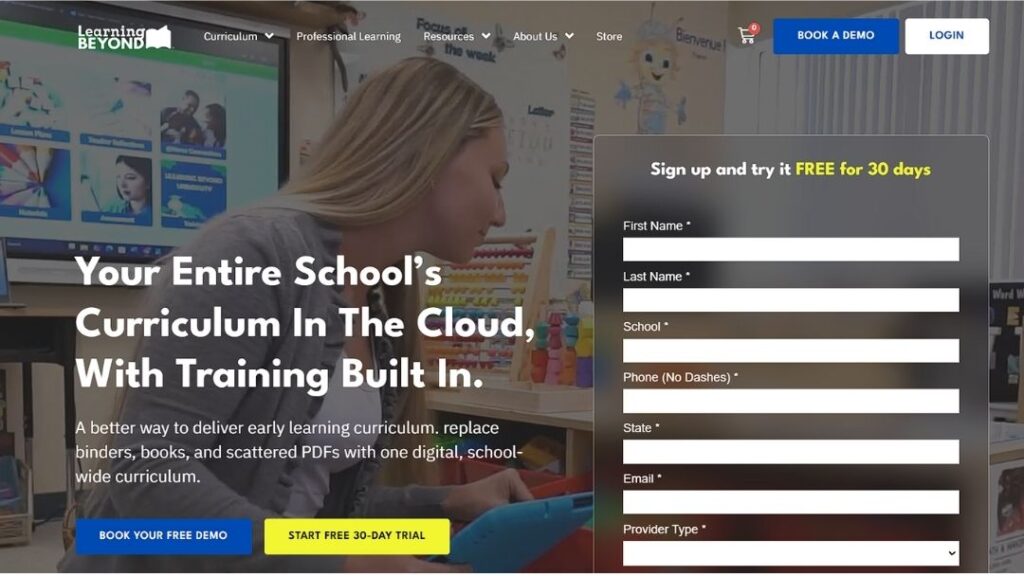
Learning Beyond Paper is a strong fit for childcare centers and preschools that want to move away from paper-heavy curriculum systems. Its cloud-based early childhood curriculum covers infants through Pre-K 4 and includes 52 weeks of research-based lesson plans, more than 4,000 play-based activities, English and Spanish content, family engagement tools, embedded professional development, and ELBY, a virtual instructional coach.
Best for: Programs that want a fully cloud-based curriculum with clear teacher support, bilingual content, standards alignment, and easier school-wide implementation.
| Pros | Cons |
| Fully cloud-based curriculum | Newer brand than Frog Street |
| Covers infants through Pre-K 4 | Physical-kit classrooms may need time to adjust |
| Includes 52 weeks of lesson plans | Best fit for teams ready to use digital tools |
| More than 4,000 play-based activities | Requires reliable internet access |
| English and Spanish content included | Some teachers may still prefer printed materials |
| 49.5 hours of embedded professional development | Larger programs should confirm custom pricing |
| Aligned to all 50 state standards, Head Start ELOF, and CLASS indicators | Digital transition may need staff support |
| ELBY supports teachers as a virtual instructional coach | Not a traditional boxed curriculum model |
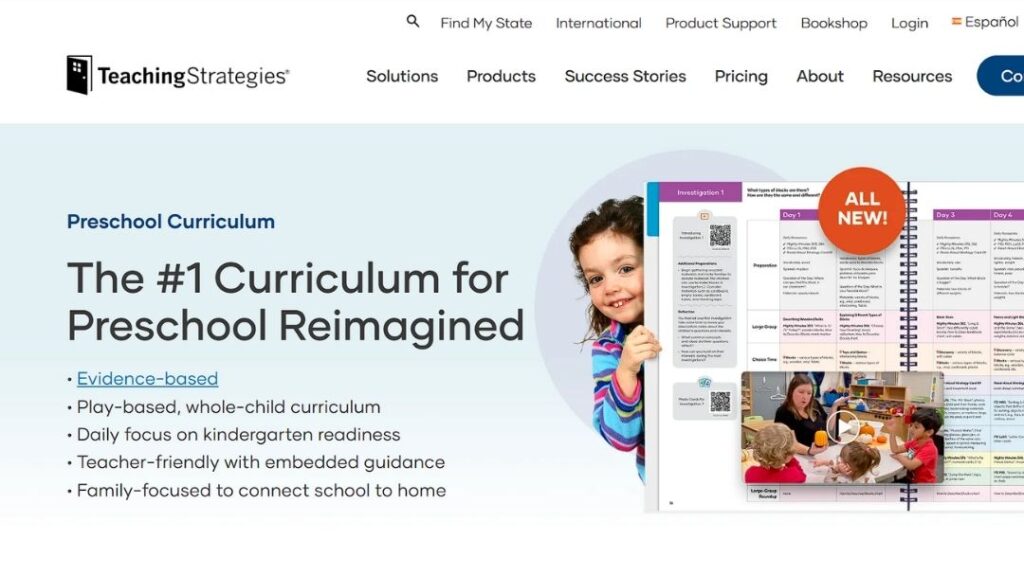
Teaching Strategies Creative Curriculum is one of the most established Frog Street alternatives for Head Start programs, districts, and larger preschool networks. It works well for teams that want curriculum, assessment, reporting, family engagement, and professional development within a broader early childhood system.
Best for: Large programs, Head Start providers, school districts, and public Pre-K teams that need curriculum and assessment tools in one connected ecosystem.
| Pros | Cons |
| Strong curriculum and assessment ecosystem | Can feel complex for smaller centers |
| Connects with Teaching Strategies GOLD | Pricing may require a sales conversation |
| Well-known in Head Start and district settings | Teachers may need more training time |
| Supports documentation and reporting | May feel heavy for small private programs |
| Offers family engagement resources | Not always the simplest open-and-go option |
| Strong brand recognition | Implementation can take planning |
| Useful for grant-funded programs | Learning curve may be steeper |
| Good fit for multi-site oversight | Smaller teams may not need the full system |
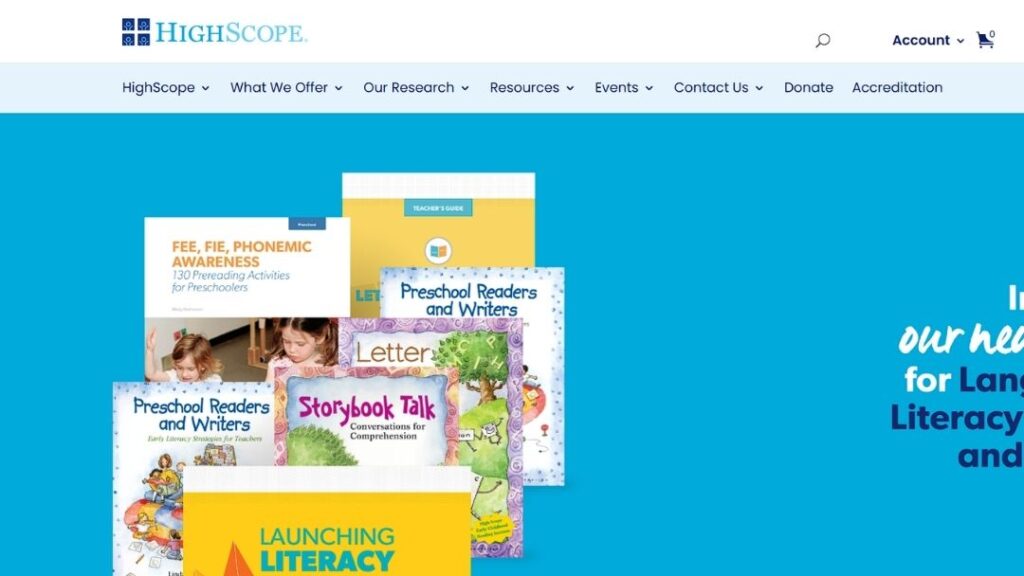
HighScope is a respected early childhood curriculum model built around active participatory learning. Its Plan-Do-Review routine helps children make choices, carry out ideas, and reflect on what they learned with teacher support.
Best for: Programs that value active learning, child choice, executive function, and a consistent daily routine built around Plan-Do-Review.
| Pros | Cons |
| Strong learning philosophy | Training is important |
| Supports independence | Requires staff buy-in |
| Good for hands-on classrooms | Not always open-and-go |
| Builds thinking skills | Fidelity matters |
| Uses Plan-Do-Review structure | Teachers need to understand the model |
| Encourages child choice | Less packaged than some alternatives |
| Supports active participatory learning | May not suit centers that need daily scripts |
| Helps children reflect on learning | Results depend on teacher skill |
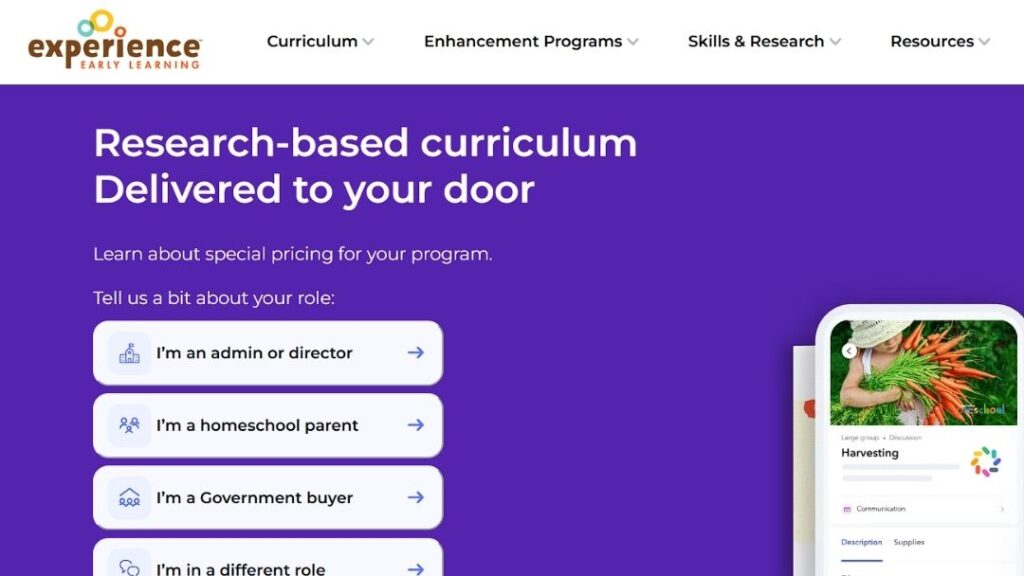
Experience Curriculum (Mother Goose Time) is a practical option for programs that prefer ready-to-use curriculum kits. It offers theme-based lesson plans, classroom materials, family engagement tools, observations, and assessments, making it appealing for small centers and family childcare providers that want physical resources delivered regularly.
Best for: Family childcare providers, smaller centers, and classrooms that prefer monthly curriculum kits, ready materials, and hands-on activities.
| Pros | Cons |
| Monthly curriculum kits | Requires storage space |
| Ready-to-use classroom materials | Depends on physical delivery |
| Good for hands-on activities | Materials may need replacement |
| Helpful for family childcare providers | Less digital-first than some options |
| Theme-based lesson plans | May not solve paper-management issues |
| Family engagement tools included | Teachers still need to organize materials |
| Can reduce prep time | Less flexible if materials run out |
| Good for teachers who like physical resources | Not ideal for paperless programs |
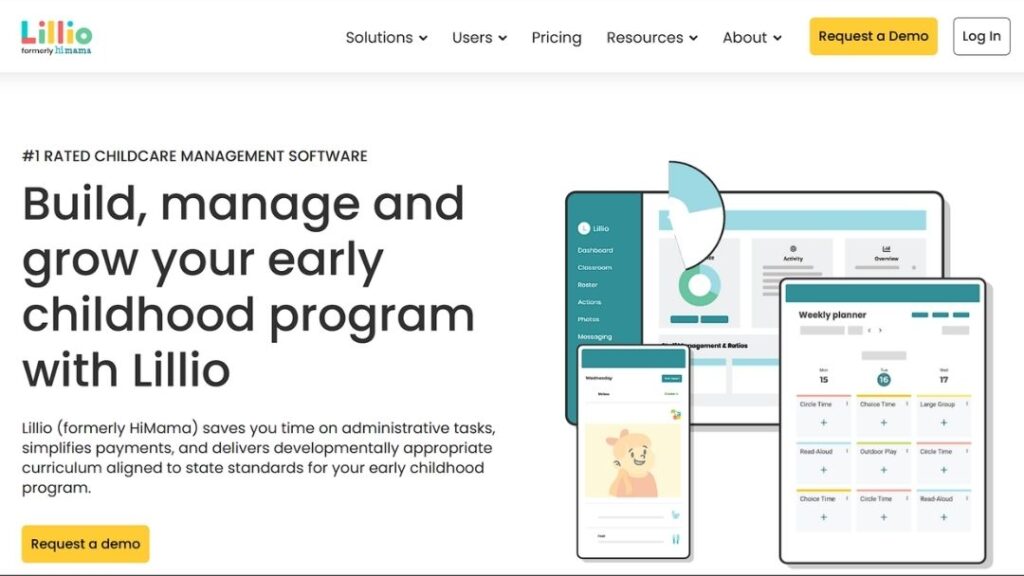
Lillio differs from traditional curriculum publishers by combining childcare management software with curriculum-related tools. It can help centers manage lesson planning, documentation, daily reports, family communication, billing, and classroom workflows on a single platform.
Best for: Childcare centers that want curriculum support connected with daily reports, parent communication, billing, documentation, and center management tools.
| Pros | Cons |
| Combines curriculum and operations | Not mainly a curriculum-only platform |
| Supports parent communication | Curriculum depth should be reviewed |
| Helps reduce disconnected tools | May include features some centers do not need |
| Useful for daily reports and documentation | Best fit depends on software adoption |
| Supports center management workflows | May not match Frog Street’s curriculum depth |
| Good for directors who want one system | Teachers may need time to learn the platform |
| Can support observations and family updates | Curriculum should be checked by age group |
| Helpful for admin-heavy centers | Less ideal for curriculum-first buyers |
Montessori is not a single boxed curriculum. It is a classroom philosophy built around child choice, independence, hands-on materials, mixed-age groups, and a carefully prepared learning environment. For programs with trained Montessori teachers, it can offer a strong alternative to more structured early childhood curriculum systems.
Best for: Programs built around child-led learning, independence, mixed-age classrooms, prepared environments, and hands-on materials.
| Pros | Cons |
| Strong child-led philosophy | Requires trained Montessori teachers |
| Supports independence | Not a plug-and-play curriculum |
| Great for hands-on learning | Materials can be expensive |
| Encourages self-paced learning | Classroom setup matters a lot |
| Works well in prepared environments | Not ideal for scripted lesson plans |
| Supports mixed-age learning | Harder to standardize across classrooms |
| Builds focus and responsibility | Families expect authenticity |
| Strong identity for Montessori schools | Not the best fit for quick onboarding |
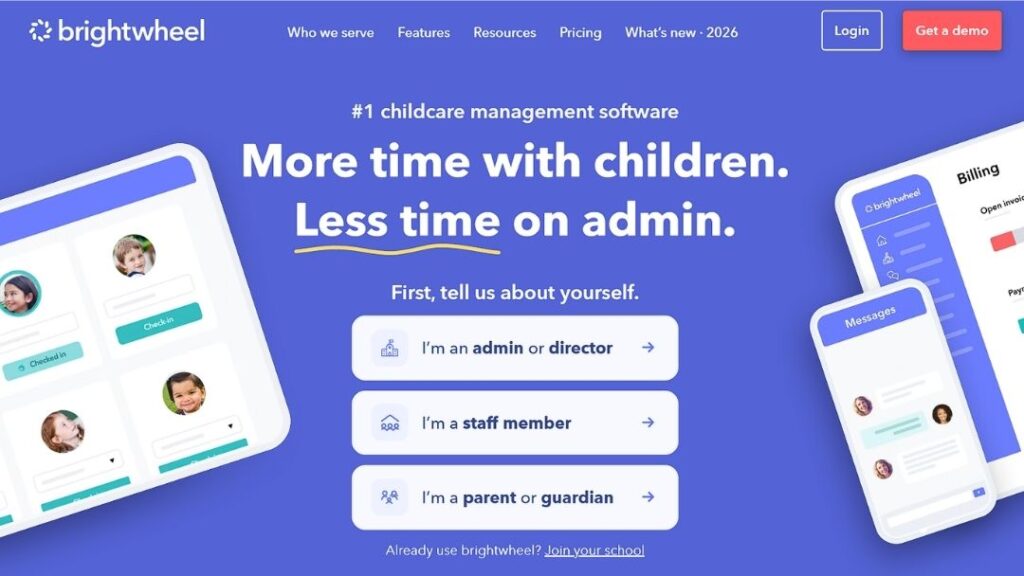
Brightwheel is best understood as childcare management software, not a traditional curriculum publisher. Its relevance as a Frog Street alternative comes from its Experience Curriculum connection, which can bring lesson plans, observations, family updates, and daily classroom records closer to the same system a center may already use for operations.
Best for: Centers that already use or want childcare management software and prefer curriculum, observations, family updates, and daily classroom records in one connected workflow.
| Pros | Cons |
| Connects curriculum with management tools | Brightwheel is not mainly a curriculum publisher |
| Useful for parent communication | Best value depends on using the wider platform |
| Supports observations and daily records | Curriculum depth should be reviewed separately |
| Helps reduce tool overload | May not fit curriculum-first programs |
| Good for centers already using Brightwheel | Software adoption may take time |
| Can connect lesson plans with family updates | Broader subscription costs should be checked |
| Helpful for admin and classroom workflow | Not the same model as Frog Street or LBP |
| Good for digital documentation | Directors should compare lesson quality by age group |
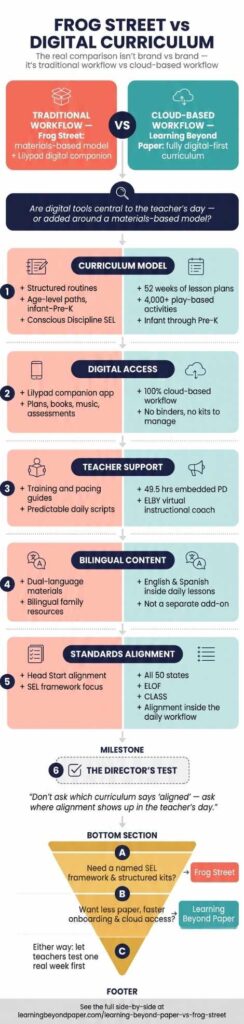
The real comparison is not Frog Street versus everyone else. It is traditional curriculum workflow versus modern curriculum workflow.
Frog Street curriculum has clear strengths. It supports social-emotional development, offers bilingual resources, provides structured routines, and serves infant through Pre-K classrooms. The Frog Street portal and Lilypad app also show that the company has moved toward more digital support.
Still, a digital companion is not the same thing as a fully cloud-based curriculum. A director should ask whether digital tools are central to the teacher’s daily experience or added around a materials-based model.
Learning Beyond Paper is the clearest digital-first alternative here. Its guidance on cloud-based preschool curriculum vs paper-based curriculum is useful for programs that want to reduce paper, avoid outdated binders, support new teachers faster, and keep curriculum access simple. Understanding how to transition from paper curriculum to digital in childcare is also useful for directors who are not sure how staff will handle the shift.
For Head Start programs, alignment with the Head Start Early Learning Outcomes Framework matters because the official Head Start ELOF presents five broad areas of early learning and describes a continuum for infants, toddlers, and preschoolers. For programs that use the CLASS framework, classroom quality is not only about what appears in the lesson plan. It is also about how teachers interact with children, support engagement, guide behavior, and create emotionally responsive learning moments throughout the day.
That means directors should not simply ask whether a curriculum says “aligned.” They should ask where that alignment appears inside the teacher’s daily workflow.
| Decision factor | Better fit if this matters most |
| Named social-emotional framework | Frog Street |
| Fully cloud-based workflow | Learning Beyond Paper |
| School-wide curriculum access for smaller programs | Learning Beyond Paper |
| Embedded professional development | Learning Beyond Paper or Teaching Strategies, depending on program needs |
| Large curriculum and assessment ecosystem | Teaching Strategies |
| Child choice and executive function | HighScope |
| Monthly physical materials | Experience Curriculum |
| Montessori identity | Montessori |
| Management software plus curriculum | Brightwheel or Lillio |
| Fast onboarding for new teachers | Learning Beyond Paper |
| English and Spanish content inside daily workflow | Learning Beyond Paper or Teaching Strategies, depending on package |
| Head Start ELOF and CLASS-aligned planning | Learning Beyond Paper, Frog Street, Teaching Strategies, or HighScope, depending on implementation |
This is where directors should slow down. Don’t ask only which curriculum has more features. Ask which curriculum your teachers will actually use well.
Searchers looking for frog street curriculum reviews usually want to know whether teachers like the program, whether it is too scripted, whether the materials are easy to use, and whether the training is worth it. Public reviews can help, but they can also be noisy. A frustrated teacher in one center may dislike the rollout, while another teacher in a well-supported center may love the same curriculum.
A better review process is to run a small internal evaluation. Ask teachers to test a sample week. Watch how long lesson prep takes. Check whether bilingual materials are easy to access. Ask a new teacher to find a lesson without help. Review how standards documentation works. If possible, compare the same lesson-planning task across Frog Street and two or three Frog Street alternatives. That simple exercise tells you more than a star rating.
A good curriculum decision should start with classroom reality. How experienced are your teachers? How much planning time do they have? Do they prefer physical materials or digital access? Does your program serve many bilingual families? Are you preparing for Head Start monitoring, QRIS review, state licensing, or CLASS observations? Do you need infant through Pre-K in one place, or only a Frog Street 3-year-old curriculum alternative?
For programs focused on literacy, ask about oral language, vocabulary, phonological awareness, alphabet knowledge, comprehension, and whether the curriculum reflects current Science of Reading research in age-appropriate ways. Learning Beyond Paper’s curriculum research can be reviewed alongside Frog Street, Teaching Strategies, and other options.
For directors who want a practical next step, compare three things: teacher workload, documentation burden, and total cost of ownership. Those are the pressure points that usually decide whether a curriculum succeeds after the first demo.
Different programs need different curriculum support. Use this table to match each option with the kind of classroom, team, or director need it fits best.
| Program type | Best-fit alternative | Why it fits |
| Small childcare centers that need clearer budgeting | Learning Beyond Paper | Offers a school-wide digital curriculum model for smaller programs, with teacher support built into the daily workflow. |
| Digital-first preschools moving away from binders | Learning Beyond Paper | Gives teachers cloud-based access to lesson plans, bilingual content, standards alignment, and ELBY support. |
| Head Start programs with complex reporting needs | Teaching Strategies Creative Curriculum | Works well for programs that need curriculum, assessment, documentation, family engagement, and professional development in one ecosystem. |
| Classrooms focused on active learning and child choice | HighScope | Fits programs that value Plan-Do-Review, independence, hands-on exploration, and consistent daily routines. |
| Family childcare providers that prefer ready materials | Experience Curriculum | Supports smaller programs with monthly kits, prepared activities, and hands-on classroom resources. |
| Centers that need curriculum plus admin tools | Lillio Learning | Helps teams connect lesson planning with parent communication, daily reports, billing, and documentation. |
| Montessori-based schools | Montessori Curriculum | Best for programs built around prepared environments, self-paced learning, mixed-age groups, and child-led work. |
| Centers already using childcare management software | Brightwheel with Experience Curriculum | Fits programs that want lesson plans, observations, family updates, and center operations closer together. |
The best choice depends less on brand name and more on daily classroom fit. Directors should compare teacher workload, training needs, digital access, family communication, and how easily each curriculum can be used during a real school day.
Learning Beyond Paper is one of the best Frog Street alternatives for childcare centers that want a fully cloud-based curriculum, infant through Pre-K coverage, bilingual English and Spanish content, embedded professional development, standards alignment, and teacher support inside the lesson workflow. Teaching Strategies, HighScope, and Experience Curriculum may be better fits depending on assessment needs, teaching philosophy, or preference for physical kits.
Frog Street curriculum can be a strong option for programs that want structured routines, social-emotional support, bilingual materials, Head Start alignment, and age-level curriculum paths. The better question is whether it fits your teachers, budget, training capacity, and daily workflow.
The Frog Street portal is commonly connected with Lilypad by Frog Street. Lilypad gives early childhood educators access to digital curriculum resources, lesson plans, activities, books, music, assessments, planning templates, secure login, and administrative oversight.
In many cases, educators searching for Frog Street login are looking for access to Lilypad, Frog Street’s digital curriculum companion. Programs should confirm login details through their administrator or Frog Street support.
Frog Street is a long-established early childhood curriculum with structured routines, age-level programs, Conscious Discipline integration, bilingual resources, and a digital companion. Learning Beyond Paper is a cloud-based early childhood curriculum built around digital access, school-wide simplicity, 52 weeks of lesson plans, 4,000+ activities, English and Spanish content, embedded professional development, standards alignment, and ELBY, a virtual instructional coach.
Teaching Strategies, HighScope, Frog Street, and Learning Beyond Paper can all be considered for Head Start contexts, but directors should compare ELOF alignment, documentation, assessment, teacher training, bilingual family support, and local monitoring requirements. Learning Beyond Paper’s professional learning resources are worth review for teams that want curriculum support built into teacher development.
DIG curriculum usually refers to Frog Street DIG, short for Develop, Inspire, Grow. It is associated with early childhood curriculum options and sometimes appears in state curriculum lists or search comparisons. Directors should compare the exact version, age range, standards alignment, materials, and implementation support before choosing it.
Frog Street and Montessori are built on different ideas. Frog Street offers structured curriculum paths and teacher-led routines. Montessori uses a prepared environment, child choice, hands-on materials, and mixed-age learning. Frog Street may work better for programs that need packaged lessons and documentation. Montessori may work better for schools with trained Montessori teachers and a clear child-led philosophy.
A curriculum should make the classroom stronger, not heavier. That is the whole point. Frog Street remains a serious early childhood curriculum option, especially for programs that value structured routines, visible social-emotional support, bilingual resources, and formal implementation. But it is not the only path.
The best Frog Street alternatives give directors different ways to solve real problems: less prep, clearer budgeting, stronger assessment, more child choice, better family communication, or easier access for teachers.
Directors who want a closer side-by-side can compare Learning Beyond Paper vs Frog Street before they make a short list. For a broader look at the platform, the Learning Beyond Paper curriculum overview gives directors a clear place to review age coverage, teacher support, bilingual content, standards alignment, and professional learning.
The best next step is simple: choose your top three curriculum needs, review sample lessons, and let teachers test a real week. If your team wants a cloud-based curriculum that reduces paper, supports new teachers, and helps directors keep classrooms aligned, schedule a demo or start a free trial with Learning Beyond Paper to see how it fits your program.