
The folder system made sense five years ago. One shelf per child, printed observations filed weekly, handwritten notes updated every Monday morning. But somewhere along the way, the paperwork grew faster than any system could manage.
For many childcare educators and directors, knowing how to transition from paper curriculum to digital in childcare has moved from an optional upgrade to a practical need.
This guide covers the full process: how to transition from paper curriculum to digital in childcare, what digital curriculum actually means in early childhood settings, and a step-by-step plan built for classrooms.
Going digital does not mean placing tablets in front of toddlers. That is the most common misconception, and it stops a lot of educators from even exploring the shift.
Digital curriculum refers to the planning, documentation, and communication systems that educators use behind the scenes. Children’s learning stays play-based and hands-on throughout.
Before mapping out what a preschool curriculum should include, it helps to understand which parts of that curriculum can move to a digital format without changing the experience in the room.
| Area | Paper-Based Approach | Digital System |
| Lesson planning | Printed weekly templates | Cloud-based planning tools |
| Observations | Handwritten notes | App entries with photos |
| Parent communication | Letters and notice boards | Real-time updates and reports |
| Record storage | Physical filing systems | Searchable, shareable records |
The shift is not about following trends. Paper systems break down under pressure.
Observations get misfiled. Parent letters go home and are never acknowledged. Lesson plans from previous terms are hard to retrieve when you need them quickly.
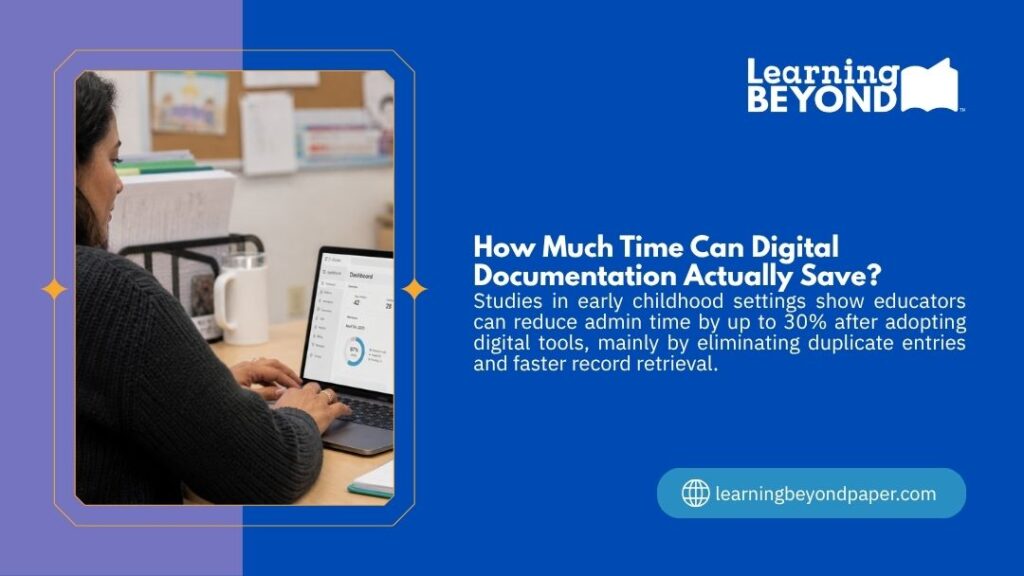
Educators end up rewriting the same information across multiple formats just to keep records consistent, and that takes time away from children.
Regulatory expectations around documentation have also risen. Digital systems make compliance records easier to store, retrieve, and update without adding to an already stretched workload.
| Benefit | What It Changes |
| Time saved | Eliminates duplication across forms and records |
| Accessibility | Files available from any device, at any time |
| Collaboration | Staff can update shared plans in real time |
| Accuracy | Fewer errors from outdated or misfiled documents |
This is the section most guides skip. Below is a process that holds up in real childcare settings, not just in theory.
Before changing anything, map out every paper process your center is currently running.
Most teams find more than they expect. A typical audit will surface:
Once everything is visible, the path forward becomes much clearer.
Attempting to transition from paper curriculum to digital in childcare all at once is the fastest way to stall the whole effort.
Pick one area with high impact and low complexity. Parent communication is often the best entry point. It produces visible results quickly and does not touch how lessons are delivered inside the room.
| Process | Impact Level | Complexity |
| Parent communication | High | Low |
| Lesson planning | High | Medium |
| Observations and reports | High | Medium |
| Compliance records | Medium | Medium |
| Staff scheduling | Medium | Low |
The right tool is the one your team will actually open every day.
When comparing platforms, focus on:
Avoid selecting based on features alone. A simple platform used consistently by the whole team will always outperform a complex one used by half of it.
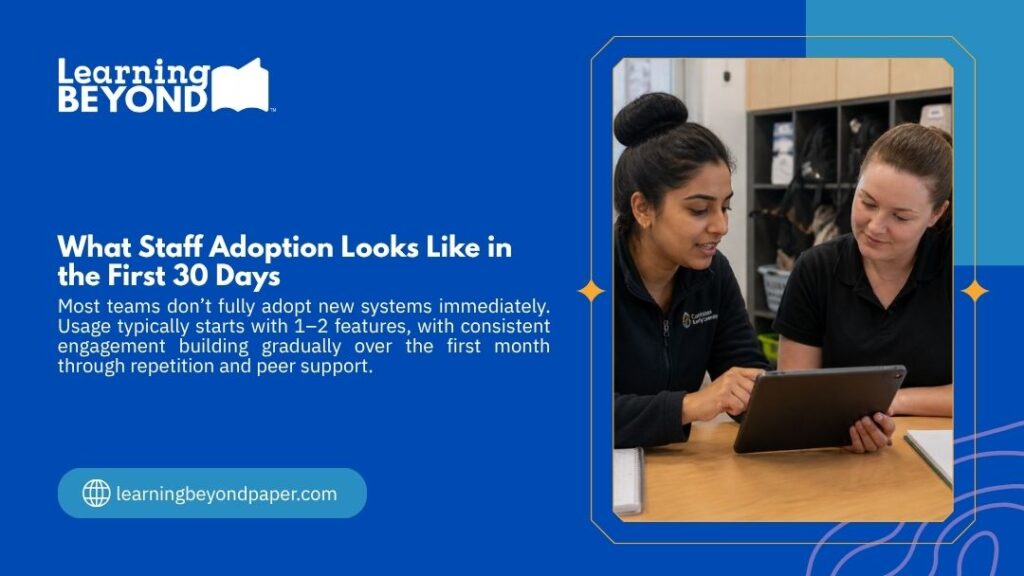
Confidence matters more than technical skill in the early weeks.
Run short sessions focused on one feature at a time. Pair less confident staff with colleagues who adapt quickly. Schedule practice during quieter periods, not during active sessions with children.
The goal is for everyone to feel capable, not just informed.
Test in one room or one age group before expanding.
Run the pilot for two to four weeks. Gather honest feedback from the staff involved. Adjust what is not working before rolling it out to the rest of the center.
Running both systems in parallel for a short period is not a failure. It is good planning.
Set a clear end date for each paper process so the changeover does not drag on indefinitely. No end date means no completion.
After six to eight weeks of full use, check whether the tool is actually reducing workload.
If it is not, something needs adjusting. Regular staff check-ins during this period will surface problems before they become embedded habits.
Going fully digital is not the right move for every center, especially in the early phases of change.
A hybrid approach, where some processes stay on paper while others move to digital platforms, is often more realistic and far less disruptive.
| Approach | Best Fit | Risk to Watch |
| Fully digital | Large centers with tech-confident teams | High adjustment period upfront |
| Hybrid | Centers in early stages of transition | Mixed systems can cause short-term confusion |
| Paper-primary with digital add-ons | Small or under-resourced teams | Slower to see efficiency gains |
The concern that digital tools will reduce hands-on learning is understandable and worth addressing directly.
Digital systems handle the administrative layer. Children still build, pour, sort, climb, and explore. Educators use the platform to document what happens, not to replace it with a screen.
Understanding what is a developmentally appropriate curriculum for toddlers ensures that when lesson planning moves to a digital format, the actual content stays grounded in what children need at each developmental stage.
| Mistake | Better Approach |
| Moving all processes at once | Start with one, then expand gradually |
| Skipping staff training before launch | Invest in training before the rollout date |
| Picking the most feature-rich tool | Choose the simplest option that meets your core needs |
| No clear milestones set | Build a timeline with specific review points |
| No post-rollout check-in | Schedule reviews at four and eight weeks |
These four areas indicate whether the system is delivering real results.
| Metric | What to Track |
| Admin time per week | A noticeable reduction within four to six weeks |
| Staff adoption rate | Most staff using the system daily or weekly |
| Parent engagement | More consistent responses and fewer missed updates |
| Documentation quality | More detailed, accurate, and current records |
Start with a full audit of every paper-based process your center currently runs. Then select one area with high visibility and low complexity, such as parent communication, and digitize that first before moving to others.
Parent communication or observation records are strong starting points. Both produce visible results quickly and do not require any change to how learning activities are delivered in the room.
No, digital systems are used by educators for planning, documentation, and communication. Children’s activities remain hands-on and play-based throughout.
Most centers complete a phased transition over two to four months. The timeline depends on the number of processes being moved and the current confidence level of the team.
Knowing how to transition from paper curriculum to digital in childcare comes down to understanding your center before choosing any platform. Every audit, pilot phase, and training session matters more than which software you eventually land on.A strong planning foundation helps most at this stage. Reviewing how to create a lesson plan for toddlers in daycare before moving any planning processes to a digital format ensures what you digitize is already structured well.